Capture
Use one trusted inbox and save the reason a link matters before that context disappears.
Bookmark management without the clutter
PinBookmark.com is an independent guide to bookmark managers, read-later workflows, visual collections, team bookmarks, browser migration, and bookmark APIs.
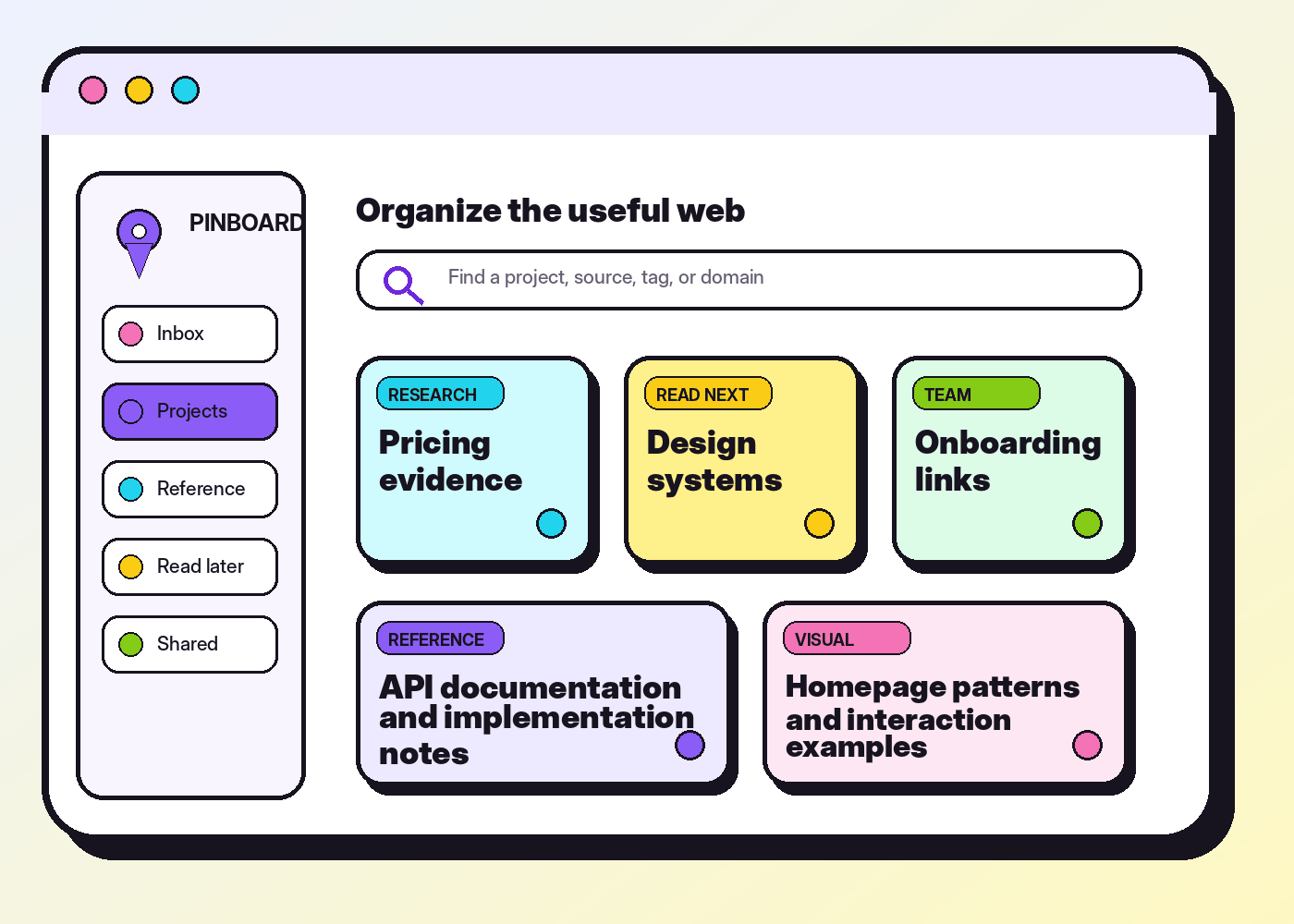
A durable operating system
The tool can change. The underlying workflow should remain easy to understand, review, and export.
Use one trusted inbox and save the reason a link matters before that context disappears.
Rename vague titles, add a short note, and separate temporary reading from durable reference.
Use shallow collections plus a small tag vocabulary to reveal projects, topics, actions, and status.
Review, delete, archive, and export on a schedule so the collection stays smaller than the web.
Explore by job
Start with the work you need to improve rather than the longest feature checklist.
Compare browser bookmarks, dedicated tools, metadata, search, portability, and the hybrid model.
Use the decision framework →Build a capture inbox and read-later queue with clear limits, purpose, and exit rules.
Design the capture flow →Use titles, notes, tags, collections, status, and review dates as a lightweight link schema.
Create a link organizer →Create collection charters, contribution rules, owners, review cadence, and canonical links.
Build a shared library →Model identity, folders, tags, permissions, sync cursors, imports, exports, and conflicts.
Review the API blueprint →Back up, triage, deduplicate, restructure, test, and migrate without carrying old disorder forward.
Follow the migration guide →Choose less, use it better
A simple browser bar may be enough. Research, team, and integration work usually need more context and structure.
| Need | Small browser setup | Dedicated manager | Team library |
|---|---|---|---|
| Daily destinations | Excellent | Useful but optional | Only for shared canonicals |
| Tags and notes | Usually limited | Core capability | Needs shared vocabulary |
| Research context | Weak without companion notes | Strong with metadata or snapshots | Strong when review status is visible |
| Collaboration | Limited or managed | Varies by tool | Requires ownership and access rules |
| Portability | HTML export is common | Inspect tags, notes, and export formats | Export records plus governance context |
The Pinboard Journal
Each article includes a practical workflow, internal cross-links, and one authoritative source for further reading.

Back up, triage, deduplicate, rename, restructure, test, and migrate a Chrome bookmark collection without losing control.
Read guide
Design bookmark resources, folders, tags, permissions, imports, change feeds, conflicts, and exports with predictable semantics.
Read guide
Organize customer proof, competitor evidence, product references, and launch resources without building an everything board.
Read guideDesigned for real collections
Use the same core ideas for personal knowledge, research, creative references, browser bookmarks, startup operations, or a team’s canonical resource map.
Read the complete system guideBookmark FAQ
These principles apply whether you use Chrome bookmarks, a visual bookmark manager, a read-later app, or a custom API.
No. PinBookmark.com is an independent editorial resource. The delivered site does not provide accounts, uploads, syncing, a browser extension, or a hosted bookmark database.
Use a folder or collection as the primary location and tags as reusable attributes such as action, status, content type, or cross-project topic. Keep both shallow and predictable.
The count matters less than retrieval and maintenance. A collection is too large when known links are hard to find, the inbox is ignored, or obsolete items crowd active reference.
Only pages with a current reason to read. Give the queue an item or time limit, then read, scan, promote, extract, schedule, or delete every item.
Match the cadence to the value and rate of change. A frequently edited work library may need monthly or weekly exports, while a small personal set may need less. Test the exported file occasionally.